
CUSTOMER SOLUTION · Conveyor Technology
Workstation interlinking with conveyor belts in a Z-configuration
ETS-08004
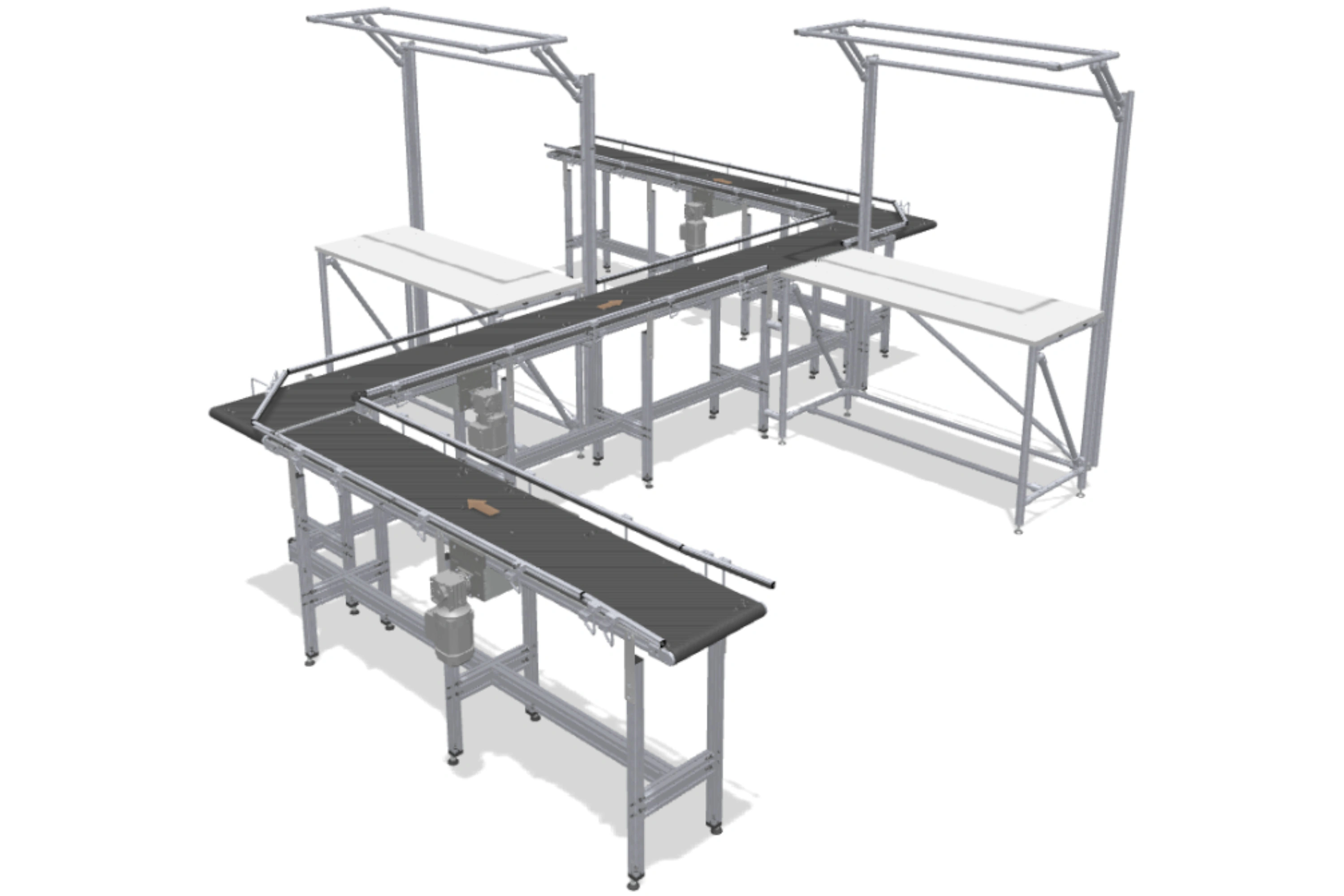
This application enables workstations to be interlinked even in difficult room layouts.
Conveyor Technology
Customer Solution
This application enables workstations to be interlinked even in difficult room layouts. If straight-line transfer is not possible, goods are gently guided from one conveyor belt to the next at a 90° angle. Thanks to the item center drive, the conveyor lines can be placed directly next to each other – without any obstructive contours at the transfer points. This allows the entire conveyor line, including infeed and outfeed, to be routed around pillars, walls or other structures.
For optimized linking of work processes, work benches can be placed on both sides of the conveyor belts in the required quantity. The drives can be positioned along the conveying route as required. A railing with slide strips and a horizontal roller in the corner area ensure a smooth transition between the conveyors.
Technical continuation
View technical Catalogue Application
Continue to catalogue data, related components, CAD and download access.
Continue exploring
More Customer Solutions
Explore concrete solutions for other tasks and application contexts.
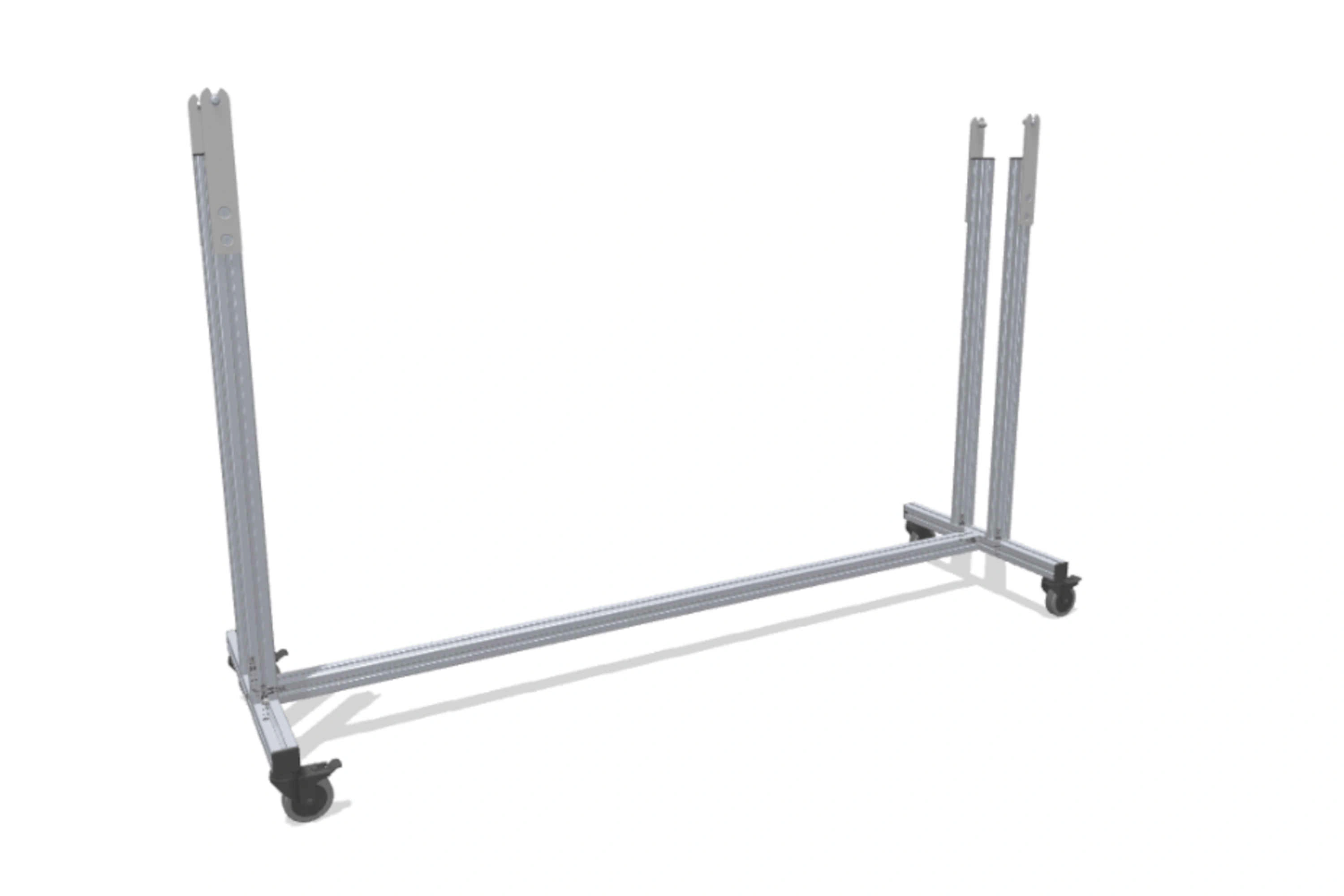 T-stand frame 160 – incline configurableThe T-Stand System 160 fits the item Conveyor Belt System.The stand frame can be adapted exactly to the requirements of the conveyor system for all belt conveyors and timing belt conveyors with a width between 80 and 160 mm and with an inclination of up to 20°.View Customer Solution
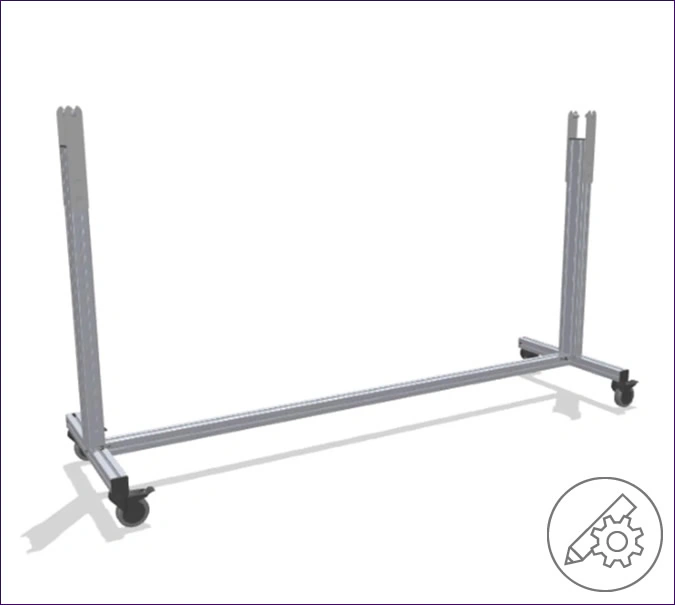 T-stand frame 80 – incline configurableThe T-stand frame 80 fits the item Conveyor Belt System.The stand frame can be adapted exactly to the requirements of the conveyor system for all belt conveyors and timing belt conveyors with a width of 80 mm and an inclination of up to 20°.View Customer Solution